Android Auto Activation
Unlock Android Auto and Apple CarPlay on your Vauxhall's factory infotainment system. If your screen has the "Projection" icon, we can activate the full smartphone mirroring functionality that's already built into your system.
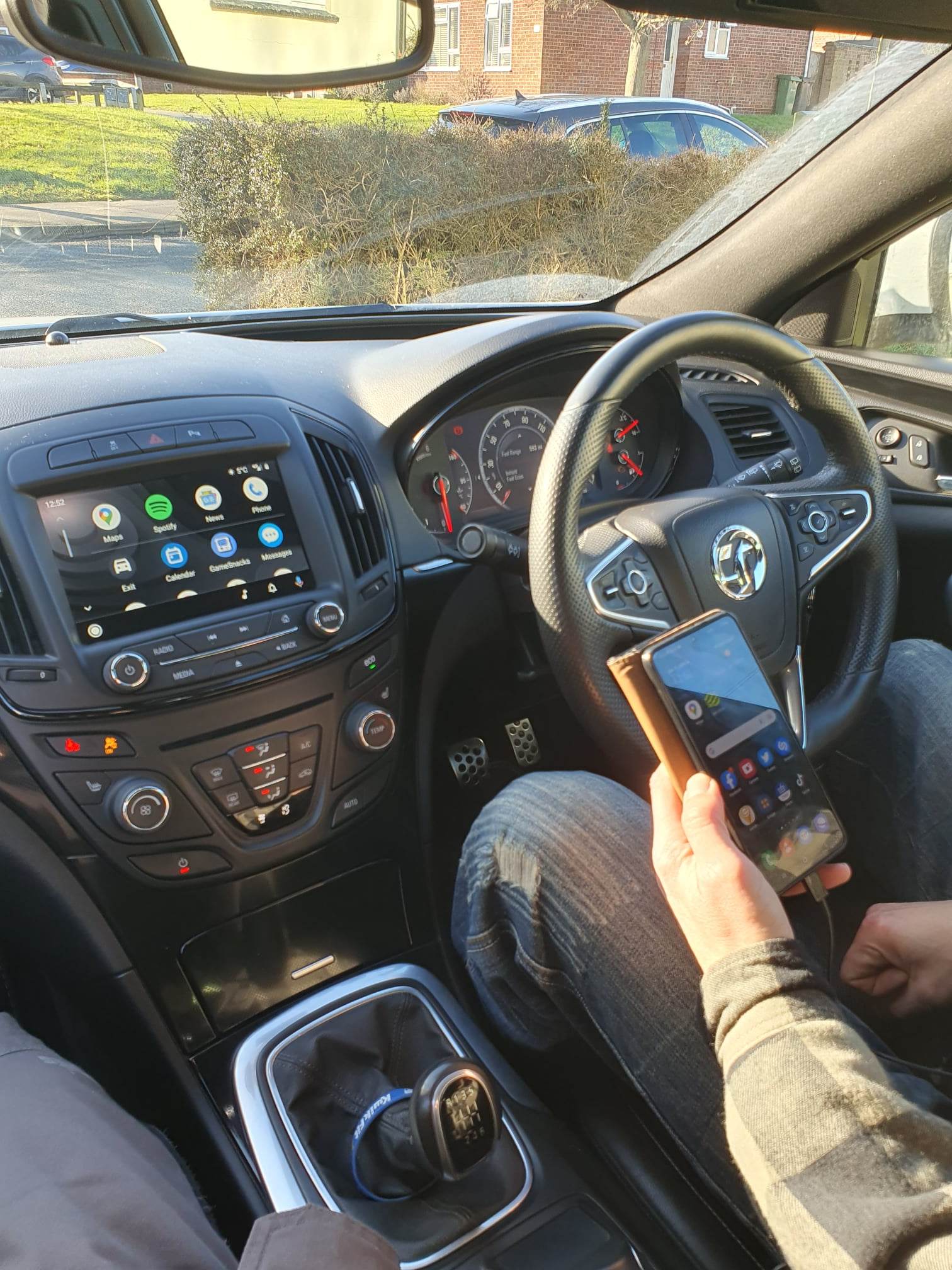
Don't Have Projection?
No problem - we offer a full Android Auto retrofit kit for vehicles without factory Projection capability
Android Auto Retrofit Kit
- ✓ Full hardware retrofit
- ✓ Works on non-Projection vehicles
- ✓ Professional installation
- ✓ Insignia A only
Compatible Vehicles
Your vehicle must have the "Projection" icon in the infotainment menu
Insignia A
2013-2017
Insignia B
2017+
Astra K
2015+
What You Get
Android Auto
Google Maps, Spotify, WhatsApp and more on your factory screen
Apple CarPlay
Full iPhone integration with Siri, Apple Maps and your apps
Music Streaming
Spotify, Apple Music, podcasts and more through your car speakers
Live Navigation
Real-time traffic, Google Maps or Waze on your big screen
How It Works
Check Compatibility
Look for the "Projection" icon in your infotainment menu
Book or Post
Visit us in person or post your HMI unit for programming
Activation
We unlock the Android Auto / CarPlay functionality
Connect & Go
Plug in your phone and enjoy smartphone integration
Frequently Asked Questions
How do I know if my car is compatible?
+Is this a permanent activation?
+Do I need a special cable?
+How long does the on-site service take?
+How does the postal service work?
+Ready to Unlock Android Auto?
Contact us today to get started